
Cooking just got easier
Every recipe on Americanized comes with tools that do the fiddly parts for you. Works on your phone, tablet, laptop or the screen on your counter.
▶ Cook along, hands free
Prop up a tablet or open a recipe on your kitchen display, tap Cook along, and each step is read out loud. Your hands stay in the bowl, not on the screen.
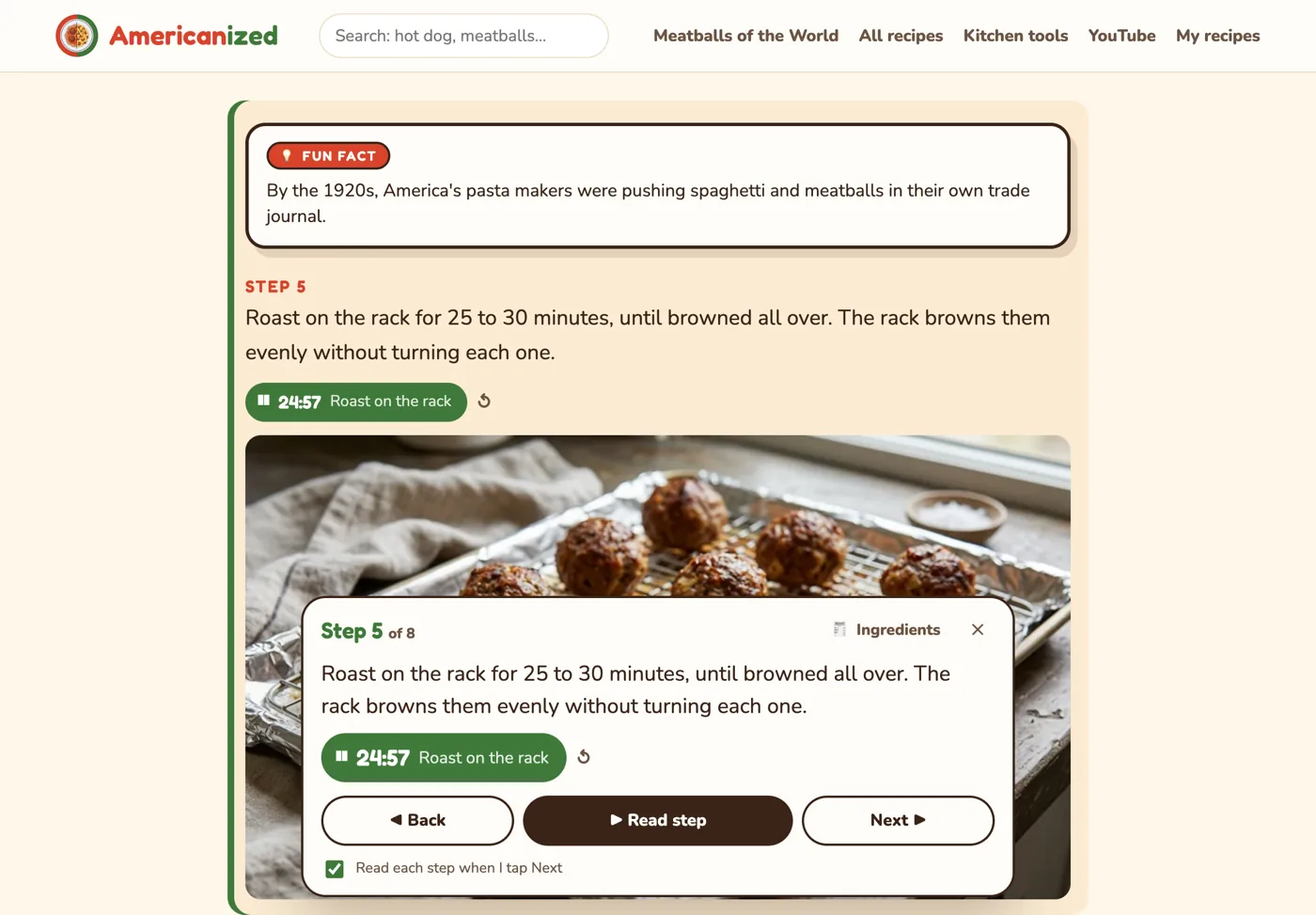
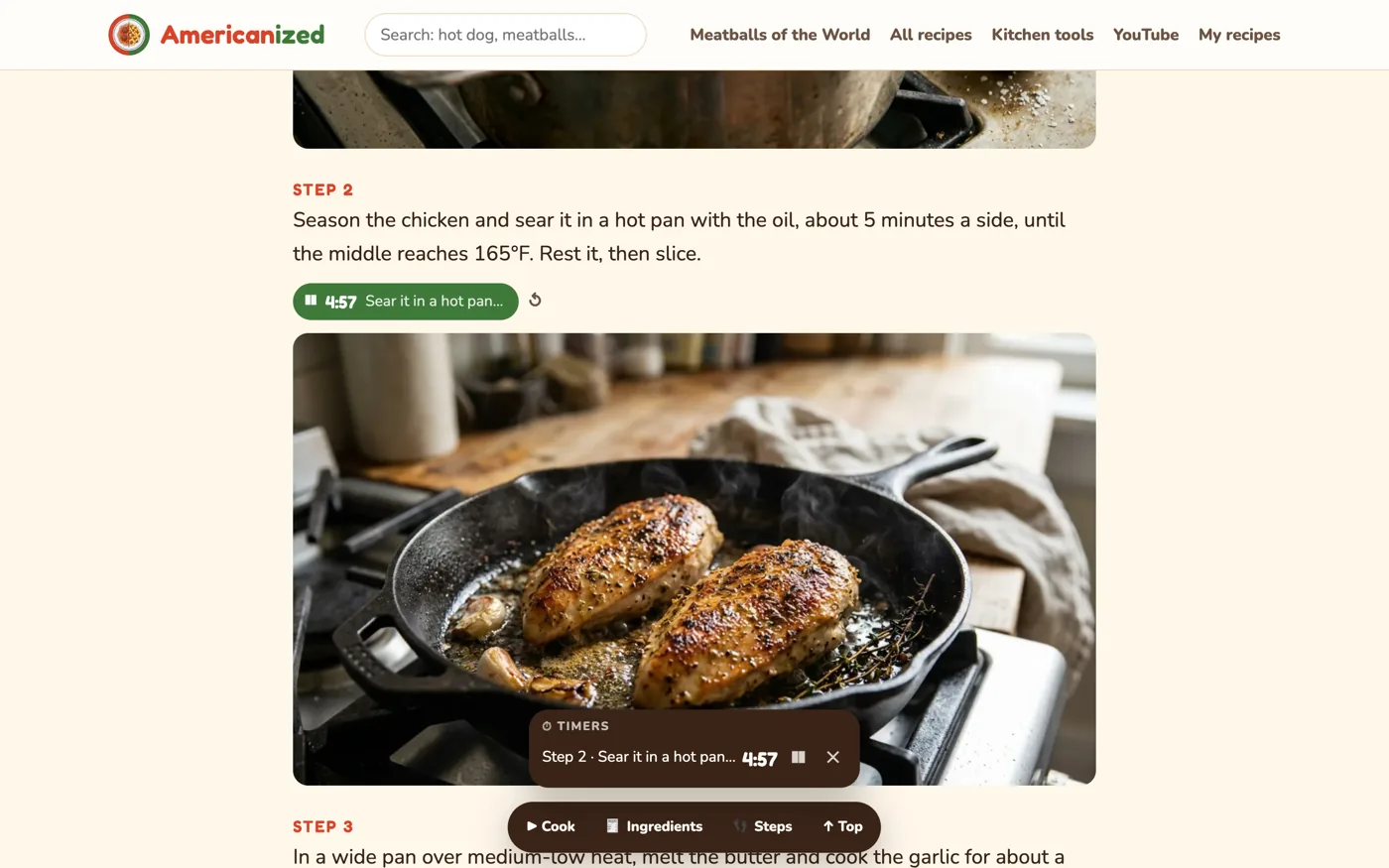
⏱ Timers that set themselves
Every time in a recipe becomes a button. "Roast for 25 to 30 minutes" turns into a 25 minute timer that chimes and tells you when it's done, even while you're on the next step.
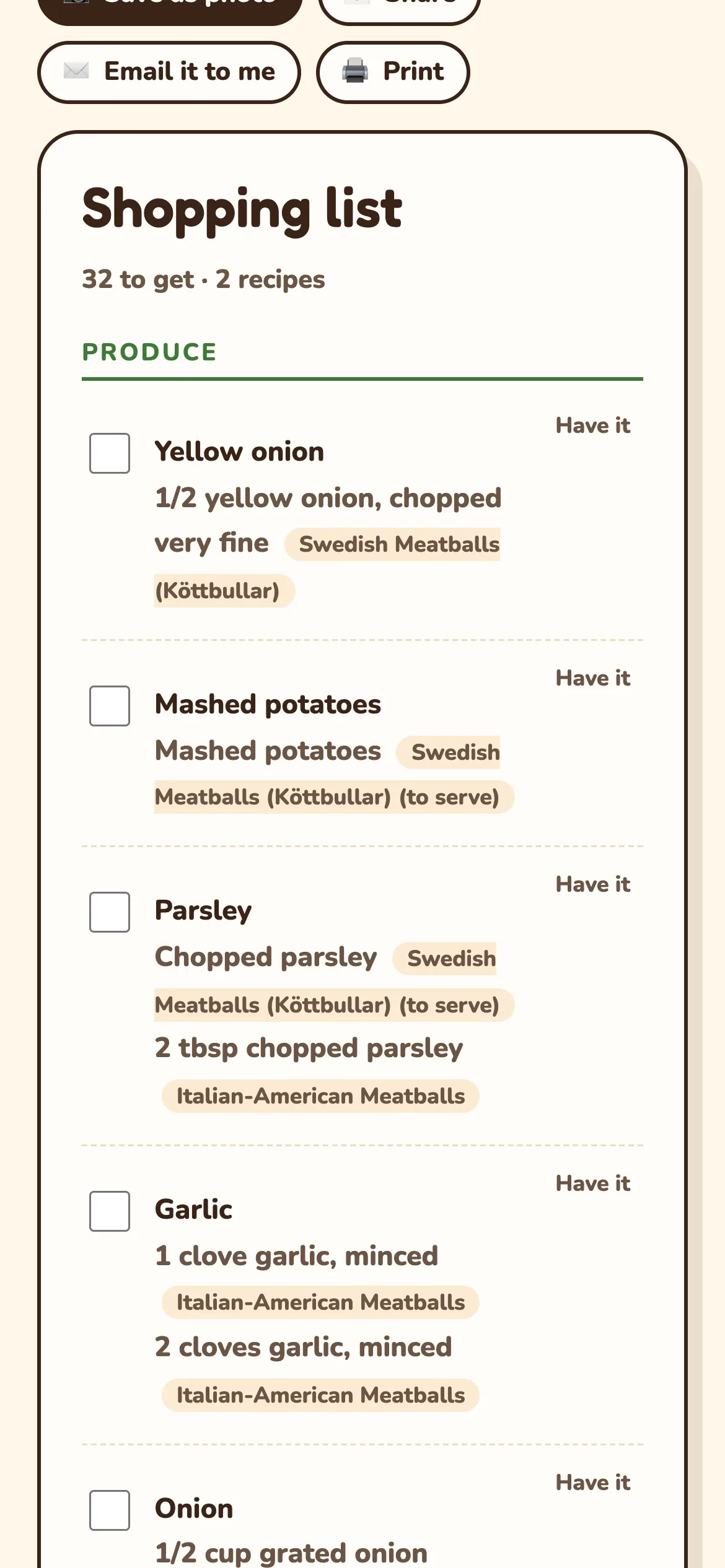
🛒 One shopping list, sorted by aisle
Add as many recipes as you're cooking this week. We merge them into one list, grouped the way the store is laid out. Change the servings and the amounts follow. Save it as a photo, text it, email it or print it.
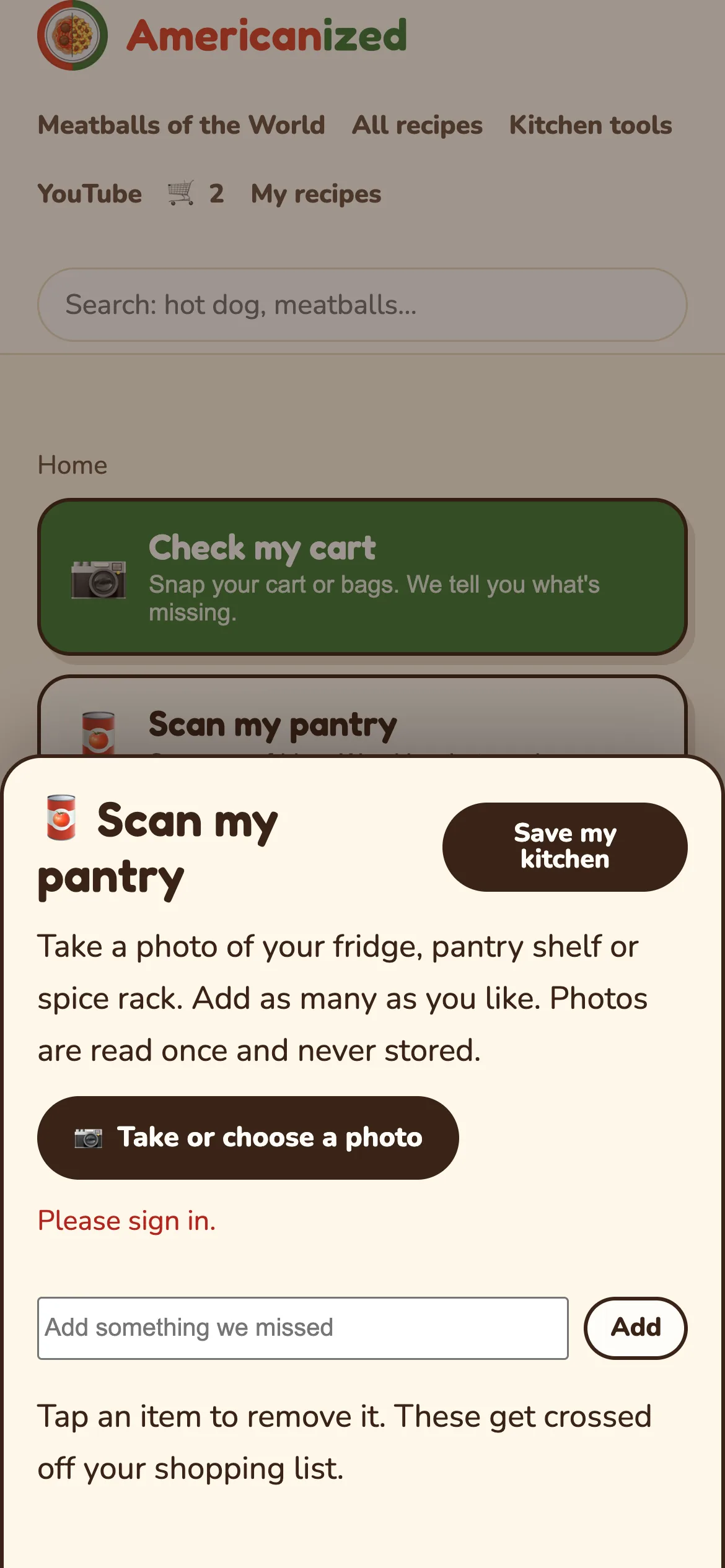
🥫 Snap your pantry, skip what you have
Take a photo of your fridge or shelf. We spot what's there and cross it off your list, so you stop buying a third jar of paprika.
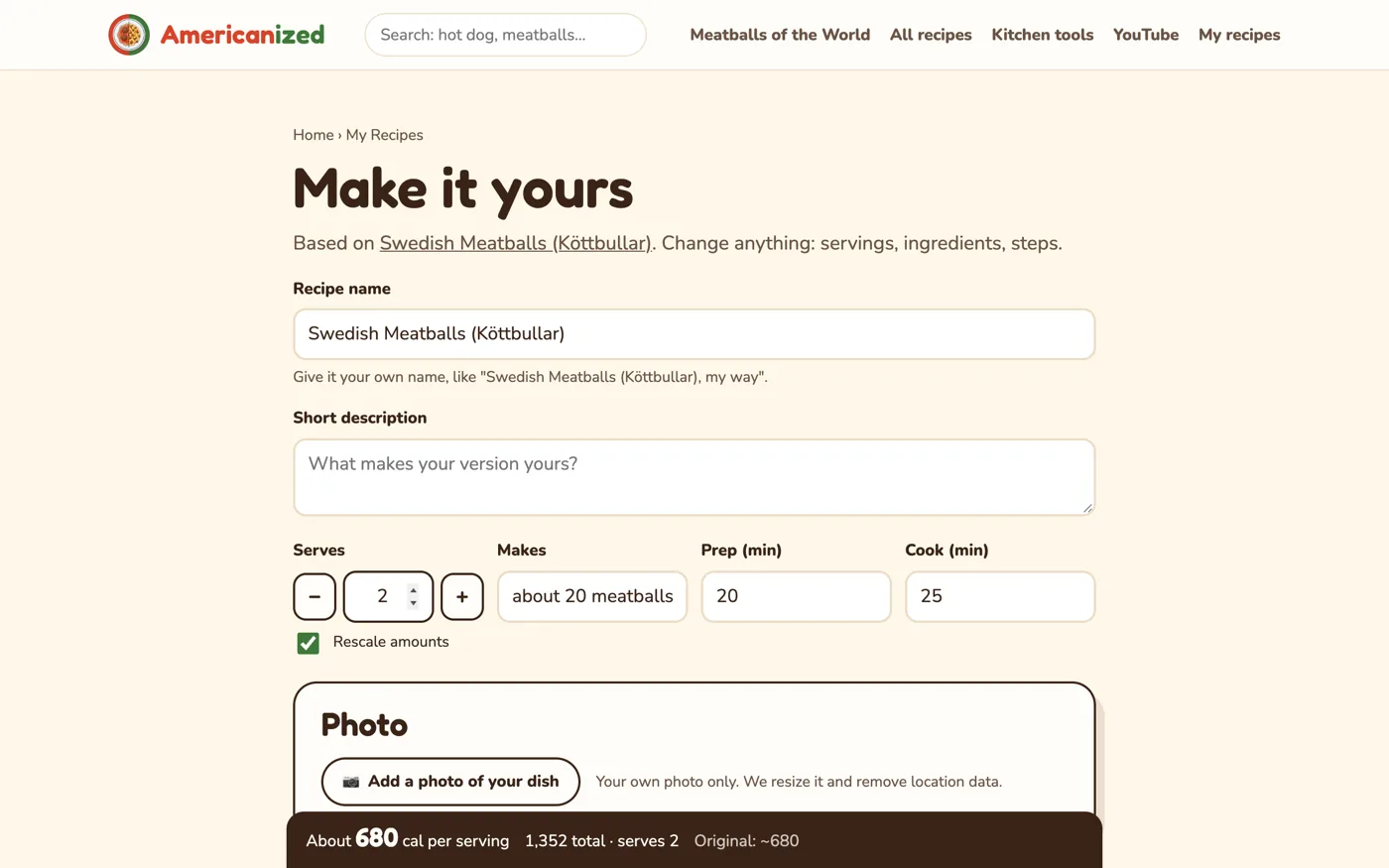
✏️ Make any recipe yours
Feeding two instead of four? Every amount rescales. Swap the beef for turkey and the calories update as you type. Save your version, keep it private or share it with everyone.
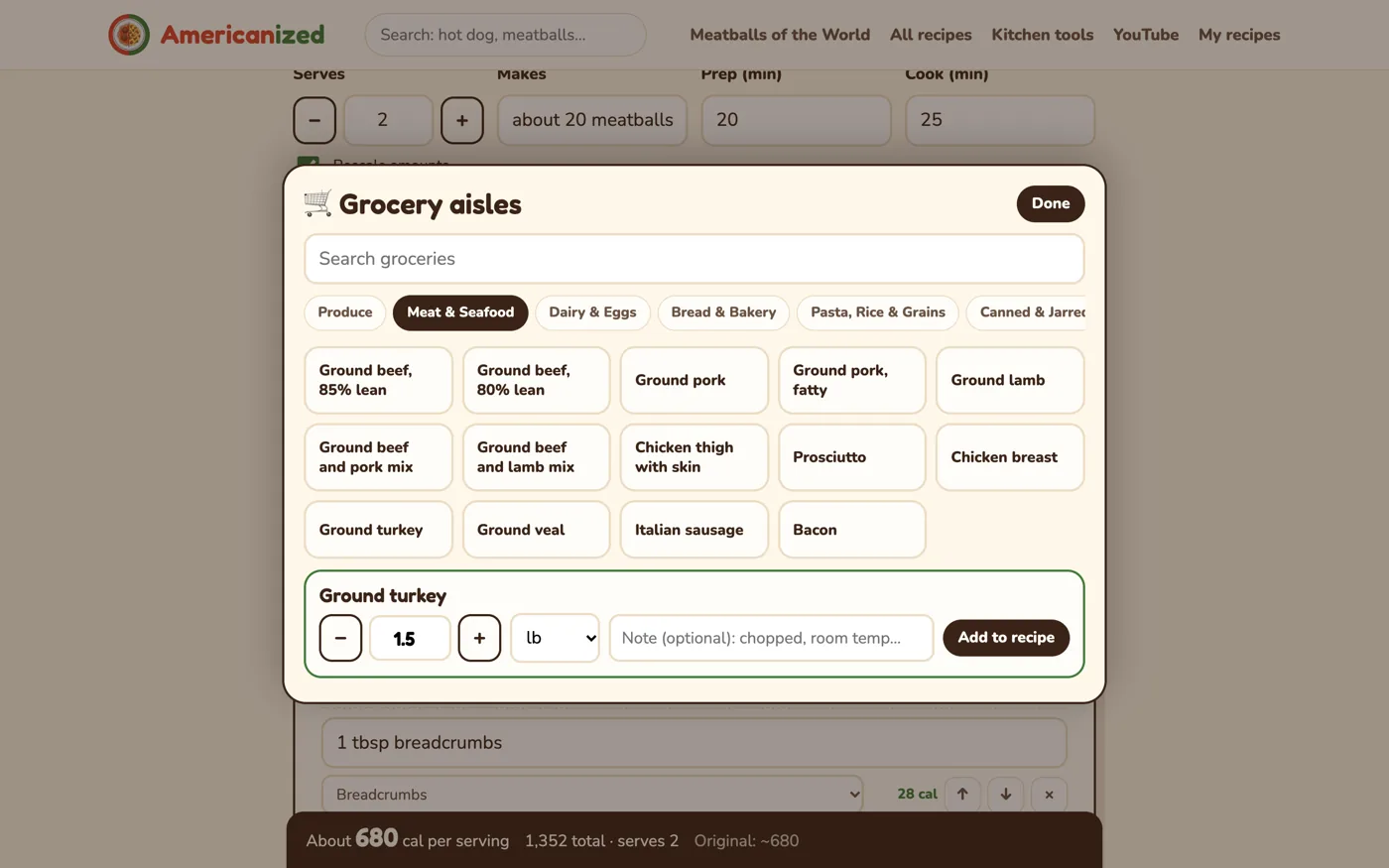
🧺 Build a recipe like filling a cart
Tap groceries from the aisles, pick how much, and the ingredient line writes itself, calories included. The aisles grow as more cooks add their favorites.
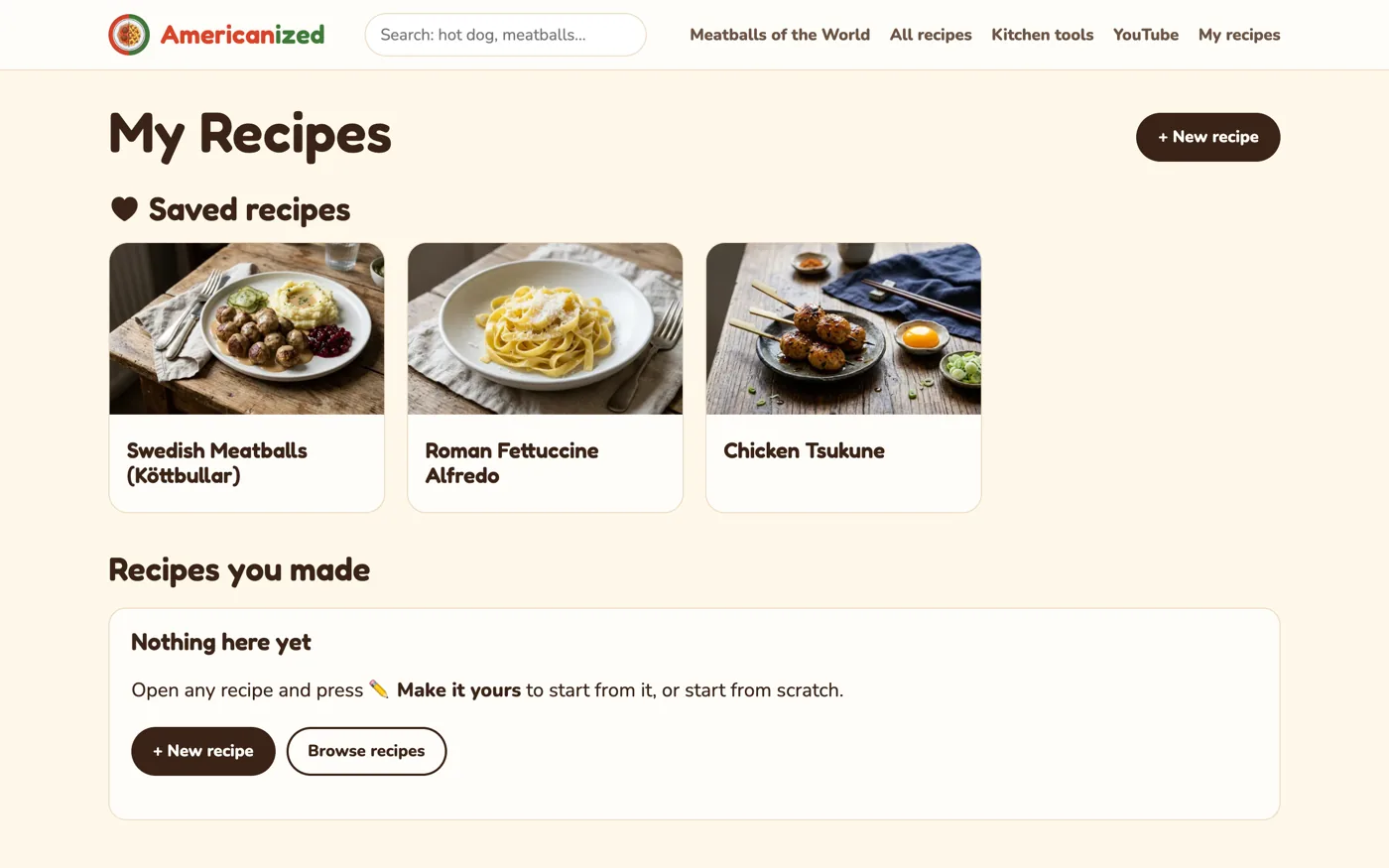
♥ Your recipe box
Save any recipe with one tap and find it again on any device.
📲 Installs like an app
Free, nothing to download from a store. Put Americanized on your home screen and it opens full screen like an app, with shortcuts to your shopping list, cart check and pantry scan.
- iPhone or iPad: open this site in Safari, tap Share, then Add to Home Screen.
- Android: tap the ⋮ menu in Chrome, then Install app (or Add to Home screen).
- Laptop: click the install icon at the right of Chrome's address bar.
Free with an account
- ♥ Save recipes to your box
- 🛒 Your shopping list on every device
- 🥫 Pantry scans
- ✏️ Save and share your own recipes
- 💬 Comments and votes
No password to remember: sign in with Google or a link we email you. Recipe emails only if you ask for them.